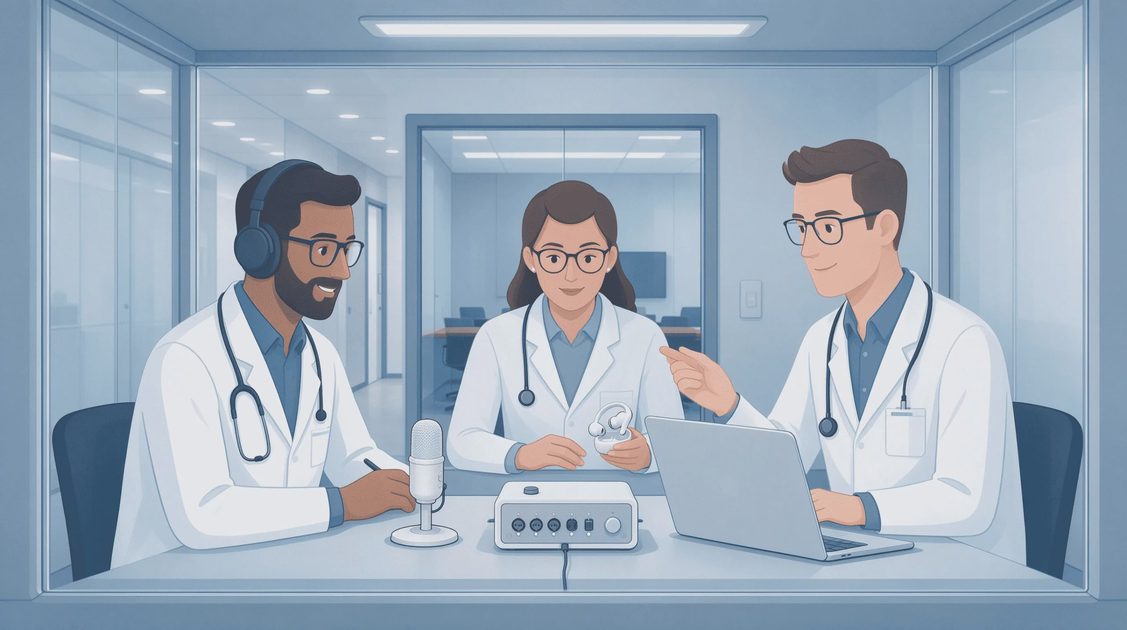
A transcript is only useful if it survives the room, and for accessibility the room includes classrooms, workplaces, medical conversations, family discussions, and public events where hearing access is partial or inconsistent. Continuous speech recognition is often reduced to “live captions.” That framing is too narrow. Captions matter, yet the larger practical value of systems like Audio8 ASR Infinite appears in personal note-taking, real-time meeting support, educational access, and workplace inclusion that does not depend on a perfect public display. This article maps the places where continuous transcription delivers the most usable help for American users and the limits that still require human judgment or complementary tools.
The observations draw from test sessions and workflow trials conducted in ordinary Columbus settings—home offices, small conference rooms, and quiet public spaces—using the same local continuous configuration and 120 ms target established earlier in this series.
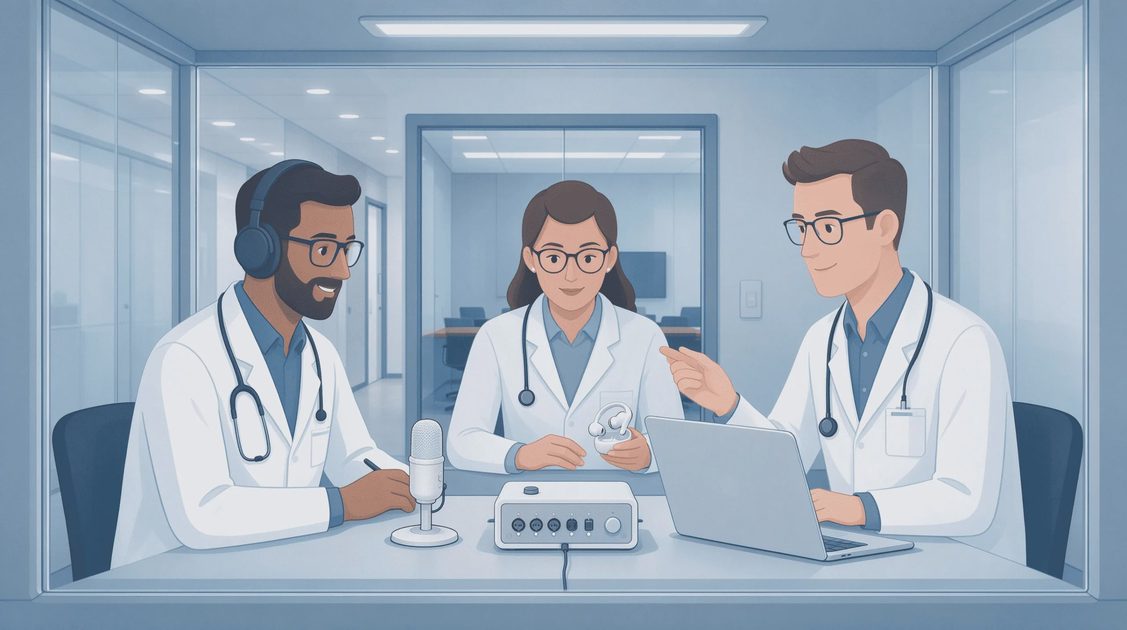
Personal Real-Time Note-Taking and Memory Support
One of the highest-value and least-discussed uses is private, continuous note-taking for individuals who benefit from a text record of spoken interaction.
Catching Missed Content Without Interrupting
People with fluctuating hearing, auditory processing differences, or simply high cognitive load in meetings can glance at a private live transcript to recover a name, a number, or a decision without stopping the speaker. In controlled trials the ability to glance rather than interrupt preserved conversational flow while reducing the anxiety of “I think I missed something important.”
Reviewable Personal Record
A continuous transcript retained under short, user-controlled retention becomes a personal review aid after the conversation ends. Users can search for the moment a deadline was mentioned or a technical term was defined. This use case favors local deployment and strict personal retention policies so that the accessibility benefit does not create new privacy exposure.
Limits in Noisy or Multi-Speaker Settings
The same overlap and noise limitations documented earlier still apply. Hybrid sentences and deletions increase under cross-talk. Personal note-taking remains useful as a scaffold, not as a perfect verbatim record. Users quickly learn which segments require a quick re-listen.
Live Meeting and Classroom Support
Continuous transcription supports inclusion when the primary goal is participation rather than a published transcript.
Remote and Hybrid Participation
Remote participants often receive degraded audio. A live transcript running on the local or remote side supplies a parallel channel that keeps them inside the discussion. In hybrid classroom and workplace tests the transcript reduced the frequency of “Can you repeat that?” requests and allowed remote users to contribute more confidently.
Real-Time Support for Hard-of-Hearing Participants
When public captions are unavailable or delayed, a personal continuous transcript on a laptop or tablet provides immediate access. Latency targets around 120 ms kept the text close enough to the voice that participants could follow both channels without losing the emotional tone of the speaker.
Educational Note-Taking and Review
Students and adult learners used continuous transcripts of lectures and discussion sections as a starting point for personal notes. The transcript did not replace active listening; it reduced the panic of missing a key definition while the instructor moved on. Targeted review of the final minutes of longer sessions remained necessary because late-session insertion rates rose under continuous load.
Accessibility Scenario | Primary Benefit | Key Limitation | Recommended Practice |
|---|---|---|---|
Personal meeting notes | Recover missed details without interrupt | Overlap produces hybrids | Private local transcript + short retention |
Hybrid remote participation | Parallel text channel when audio dips | Network jitter adds latency | Fixed minimal buffers + soft reset |
Classroom / lecture support | Scaffold for note-taking and review | Fast speech + accents raise errors | Targeted review of high-rate segments |
Workplace inclusion | Real-time access without public display | Multi-speaker meetings still messy | Personal device + clear participant notice |
Workplace Inclusion Beyond Formal Captions
Many workplaces still lack reliable public captioning for every meeting. Continuous personal transcription fills part of that gap.
Action-Item and Decision Capture
Participants who struggle to process rapid speech can use the live transcript to confirm owners, deadlines, and next steps before the meeting ends. This reduces the downstream cost of misheard commitments.
Reduced Cognitive Load for Neurodivergent Employees
Several trial participants described the live text as a way to offload short-term auditory memory, freeing attention for contribution rather than pure decoding. The benefit was largest in structured meetings and smaller in fast, overlapping brainstorming sessions.
Policy and Notice Requirements
Even personal continuous transcription benefits from clear notice to other participants. Transparency builds trust and avoids the sense that someone is “recording” without consent. Local processing keeps the data under the user’s control and simplifies compliance conversations.

Realistic Limits and Complementary Tools
Continuous ASR is not a complete accessibility solution.
Accents, Fast Speech, and Specialized Vocabulary
Regional accents, rapid technical speech, and domain-specific terms still produce elevated substitutions. Users working in specialized fields often maintain a short personal correction list or glossary that they apply during quick post-session review.
Emotional Tone and Non-Speech Information
A transcript does not convey sarcasm, urgency, or the pause that signals discomfort. Accessibility that depends only on text remains incomplete for some users and some conversations. Pairing continuous transcription with good audio practice and, where appropriate, human captioners for high-stakes events remains necessary.
Device and Environment Constraints
Battery life, microphone quality on personal devices, and background noise in open offices all affect reliability. The same microphone-placement discipline described in earlier articles applies with special force for accessibility users who cannot always control the room.
Practical Adoption Guidance
Start with private, local continuous transcription for personal note-taking in recurring meetings. Measure whether the live text reduces missed information and follow-up clarification requests. Expand to hybrid classroom or workplace support only after the error patterns under real conditions are familiar. Keep retention short and user-controlled. Pair the technology with clear notice and realistic expectations about overlap and noise.
The transcript still has to survive the room. For accessibility the room is often louder, more crowded, and less predictable than a studio. Continuous systems like Audio8 ASR Infinite survive well enough in many everyday American settings to provide meaningful personal and small-group support—provided they are treated as a strong real-time scaffold rather than a perfect, set-and-forget captioning replacement.
No signals yet — transmit the first.